PolSource: Offering Salesforce Static Code Analysis Solution Customer Success

PolSource, a boutique, global Salesforce Systems Integrator, has been challenging and exceeding client expectations, by innovating and delivering success on the Salesforce Customer Success Platform. PolSource works with companies across all industries and sizes, in many cases alongside in-house development teams. THE CHALLENGE PolSource had been using PMD as a static code analysis tool. PMD offers free, […]
AutoRABIT & VS Code – Our Mission to Make Salesforce Development Easier

According to the Top 10 IDE Report, worldwide, Visual Studio is the most popular IDE, Visual Studio Code grew the most in the last 5 years (+6.4%), and Eclipse trailed off the most (-6.2%). With the continuing popularity of VS Code as an IDE in the Salesforce developer community, AutoRABIT has created a plug-in for Visual Studio […]
Integrating static code analysis tools into existing code review practices

Many companies have formal processes for performing code reviews to reduce defects during development. These processes involve using the development team to check proposed code changes before deployment. The goal is to find functionality issues, security threats, and other bugs before they are transferred into a production environment. It doesn’t matter if the person who wrote […]
Breaking Limits: Why Purpose-Built for Salesforce is the Only Way to DevOps

Limits.They are all around us — speed limits, credit limits, and even socially acceptable distance limits. And some things that are called “unlimited” have limitations too. Sometimes limits are a good thing. Imagine this: You have been working hard and in meetings all day long.So many time commitments in your day, you didn’t have time […]
Validation of the Delta Before Merge

Introduction Merge plays an important role in the devops life cycle as the version control is the “source of truth”. Merging source code from one branch to another branch is simple, but we may face problems while deploying. This is due to missing dependencies in the source code. This is critical when it comes to […]
SFDX Tutorial | Setting Up AutoRABIT CodeScan
Salesforce DX is a new focus on source-driven, collaborative development. The Salesforce CLI (Command Line Interface) easily integrates into your existing developer workflow, speeding up development across the whole Salesforce platform. We have put together an article on setting up AutoRABIT CodeScan with Salesforce DX in our tutorials section.
Setting Up and Using AutoRABIT CodeScan Effectively

Running AutoRABIT CodeScan on your Salesforce Org is a great first step towards quality code, but maintaining that quality is a different story. Here are some tips to get you set up and using AutoRABIT CodeScan effectively. Create your own Quality Profile Creating a custom Quality Profile in line with your organization’s code quality standards […]
How to Choose the Best Salesforce Static Code Analysis Tools
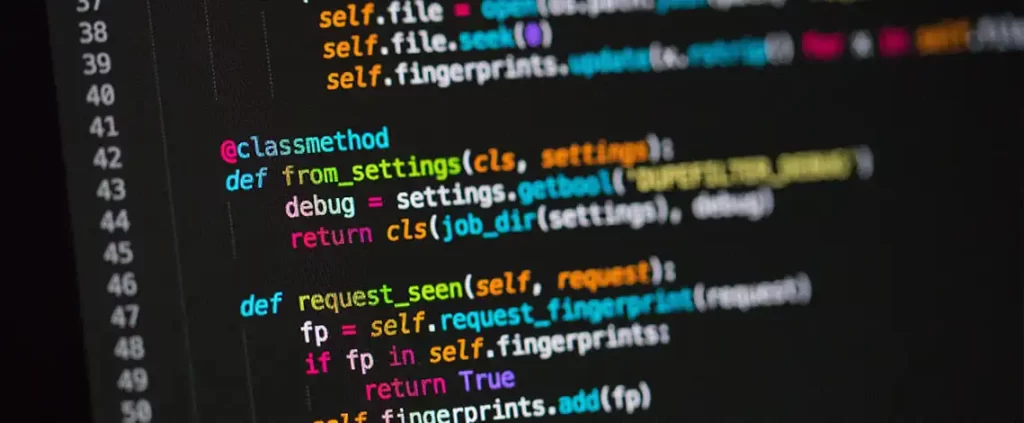
The tools that you use to streamline your Salesforce development process are what allow you to deliver the best and most efficient version of your release. Planning, project management, source code management, static code analysis (SCA), and continuous integration, these are tools that help to streamline the development process. Each of these tools plays an […]
Should Your Salesforce Monitoring Tools Include Static Code Analysis for Security?

Ensuring Code Quality + Security Static code analysis is crucial to identifying weaknesses in source code and code quality. These gaps might lead to vulnerabilities in the application, which can compromise application quality and functionality once deployed. In addition to maintaining quality, adherence to coding guidelines and standards can be enhanced with static code analysis […]